
In order to change your hostname, please go to your account, find your server and scroll down to see your server details.
Click on SETTINGS, Change Hostname and add your desired hostname.
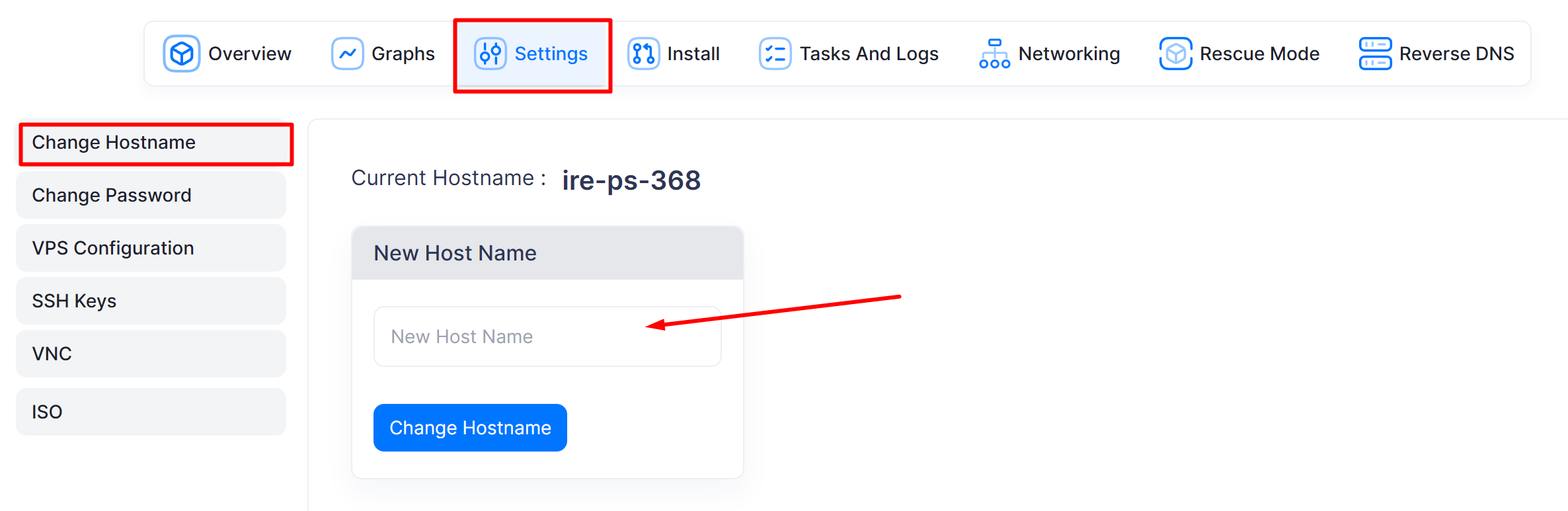
After changing hostname, shutdown the server and then boot


In order to change your hostname, please go to your account, find your server and scroll down to see your server details.
Click on SETTINGS, Change Hostname and add your desired hostname.
After changing hostname, shutdown the server and then boot