
How to add an email account in cPanel Hosting Panel

To add a new email account, do the following:


Login into your account from https://marksystem.company 
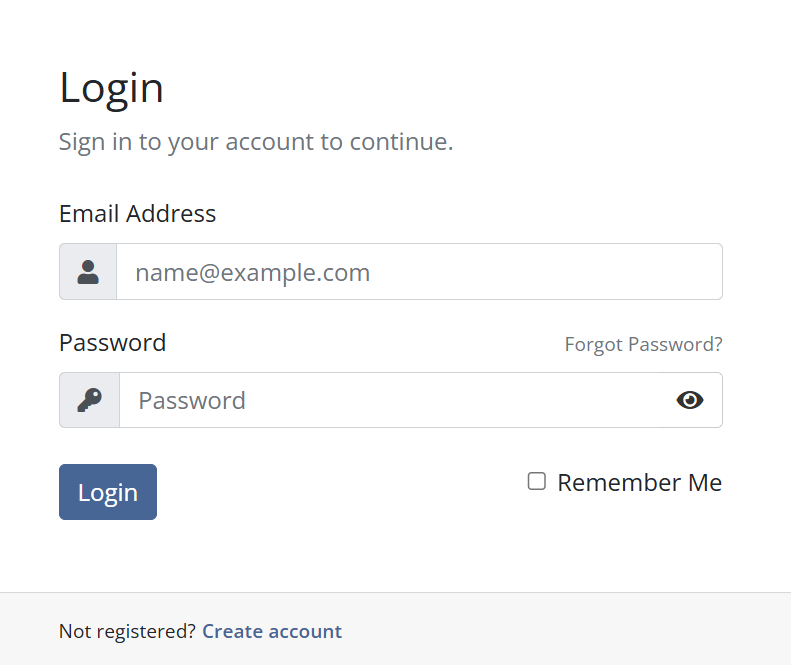
Access your hosting service

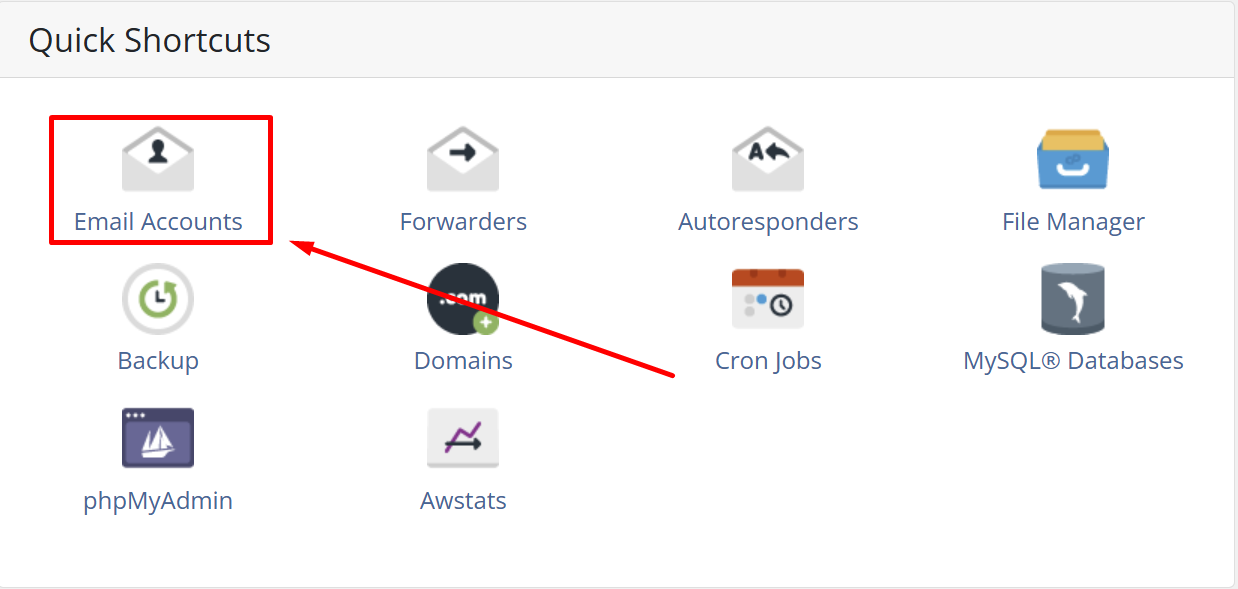
Select your service and scroll down until you will see Quick Shortcuts section
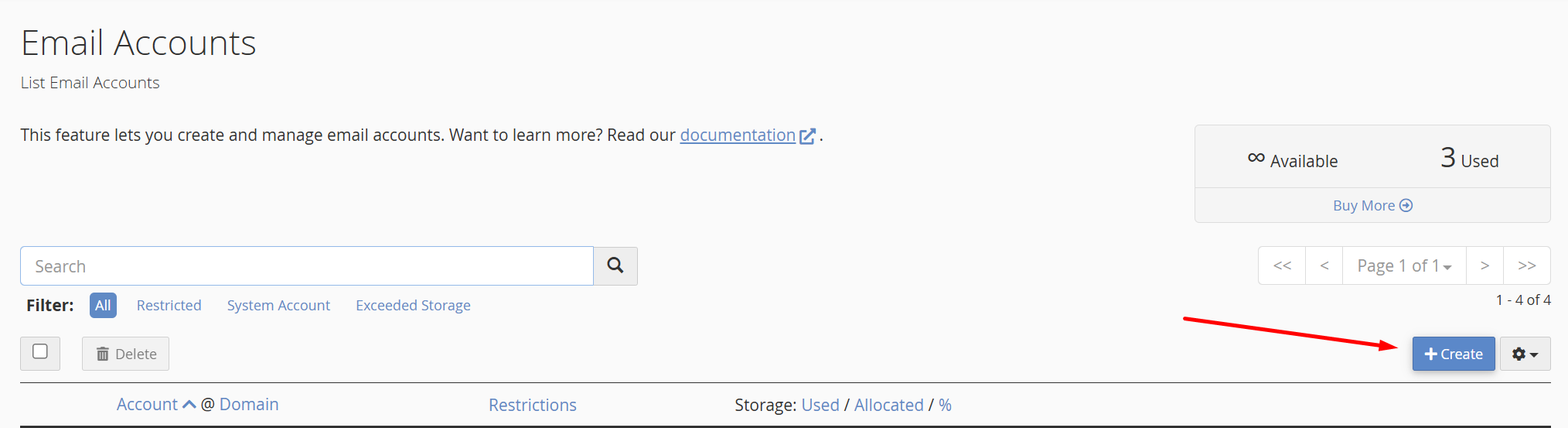
Click on Create to create new email account
 

Fill in all the requirement forms and click create


Now you have new email account created.

  • 0 A felhasználók hasznosnak találták ezt
Hasznosnak találta ezt a választ?

Kapcsolódó cikkek

How to Automatically Set Up Email on iOS Devices

This guide will provide the steps for how to use cPanel's script to automatically set up an...

How to access your hosting panel

To access hosting panel, you can do in 2 ways: to access hosting panel directly from your...

How do I reset my cPanel control panel password?

Please see the following steps on how to reset your cPanel control panel password: • Log in to...

How to Install the ClamAV Plugin in WHM

ClamAV is a free plugin based on the open source ClamAV engine. You can install this to run scans...

How to Restart Services Using WHM

cPanel also allows you to restart services on your VPS through WHM instead of the command line....